By default, OfferingTree provides and links to standard terms of service and privacy policy pages. You can create your own and change where the links direct.
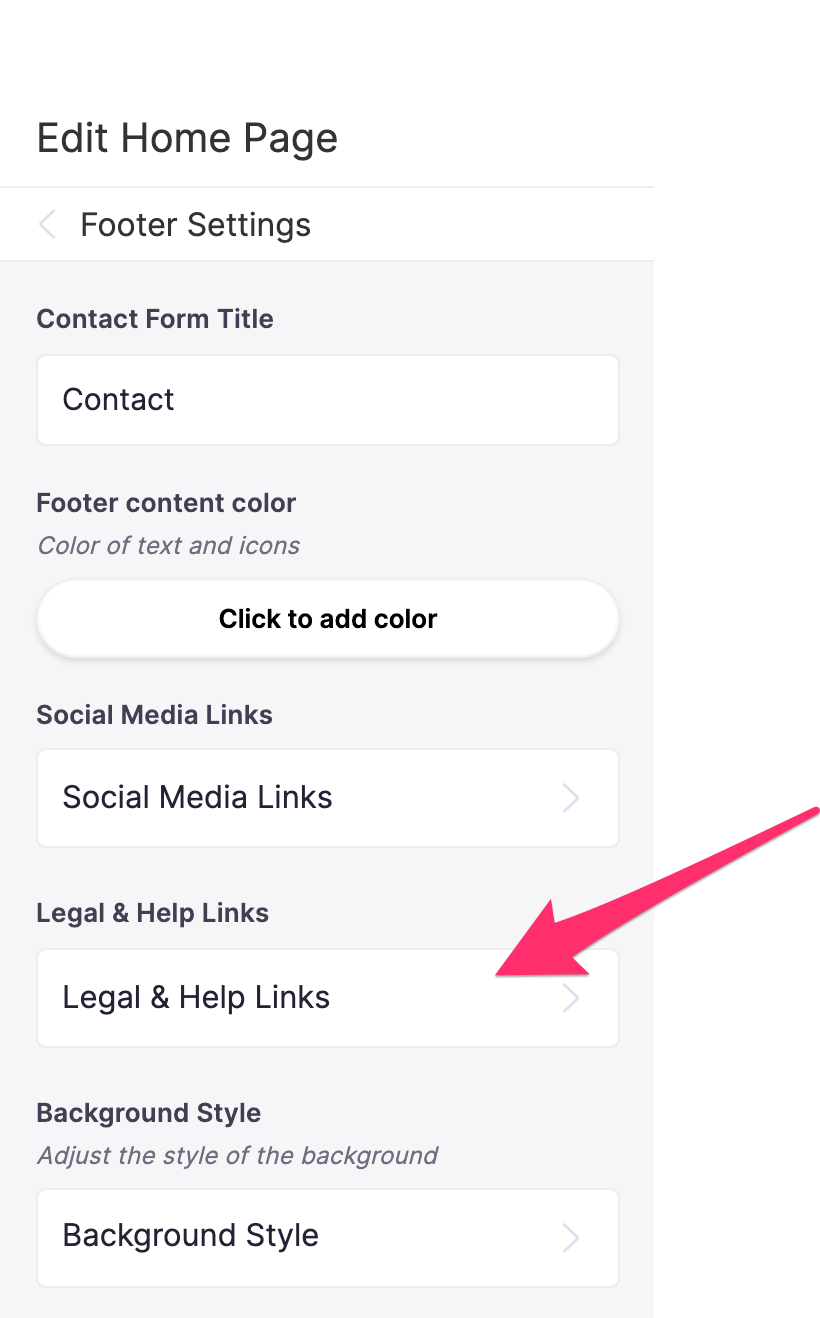
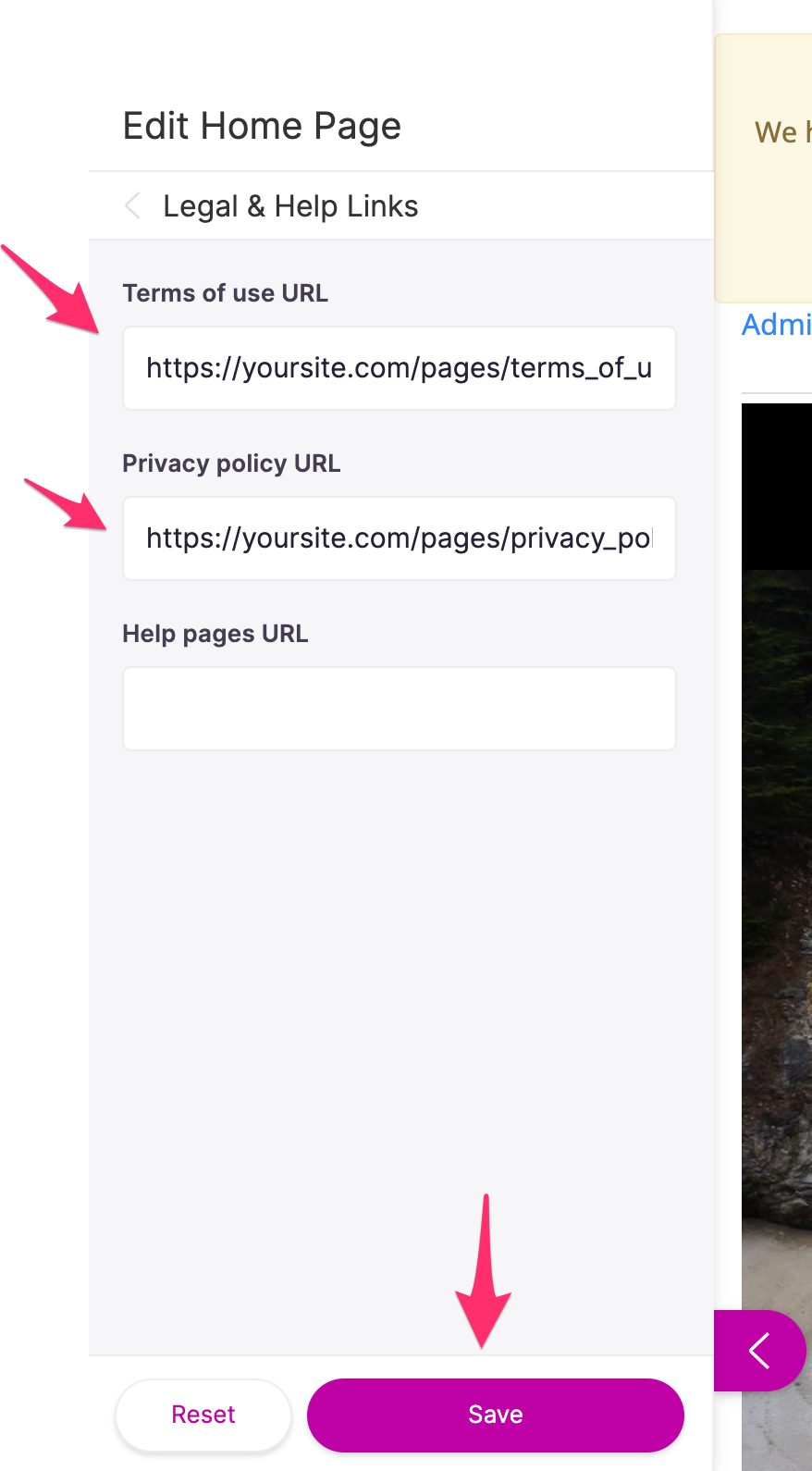
Create your own terms of service and privacy policy pages using our custom page builder. You may not want your legal pages to show up on your main website menu, so make them "Unlisted" and no link will show. After you have created your terms of service and policy pages, edit your home page and then select "Footer Settings" in the left side panel. Then click on the "Legal & Help Links" section to take you to a form where you can enter the URLs of your terms of service and privacy pages. Enter the links of the pages you created which contain the term language. Press Save and that's it.
If you do not want any links to show up for privacy policy or terms of service, simply delete the URL in these fields.
Comments
0 comments
Article is closed for comments.